
PlayCroco Mobile on Apple and Google Pay
PlayCroco Mobile Casino gives AU punters Apple Pay and Google Pay for deposits alongside the full RTG library — 300 to 350 pokies, table games and video poker accessible from any iOS or Android. open a PlayCroco account to start browser. No app download, no separate mobile account. Payments, bonus claiming, and live chat support all work through the same browser session that opens the games. For punters who play primarily on their phone, nothing is withheld compared to desktop.

Quick Reference
| Feature | Detail |
|---|---|
| Access method | Mobile browser (no download) |
| iOS support | Yes — Safari and other browsers |
| Android support | Yes — Chrome and other browsers |
| Apple Pay | Yes — instant deposit, AU$0 fee |
| Google Pay | Yes — instant deposit, AU$0 fee |
| Game count on mobile | 300–350+ pokies + table games + video poker |
| Game format | HTML5 — all titles |
| Withdrawal on mobile | Bitcoin (instant) or Wire Transfer (2 business days) |
| Mobile registration | Yes — full 3-step registration available |
| Demo mode | Yes — all titles |
Apple Pay and Google Pay are the fastest deposit path on the mobile casino — instant processing, no fee, no card details to enter manually. Both are available in the mobile cashier without any additional setup beyond linking your device wallet.
Playcroco mobile casino Payments
Apple Pay and Google Pay are digital wallet deposit methods available on PlayCroco Mobile Casino. Both process instantly with no fee attached.
Apple Pay works on iPhone and iPad via Safari or any browser that supports Apple Pay. Deposits link directly to your Apple Wallet — authorise with Face ID, Touch ID or device passcode. No card number is transmitted to the casino at any point; the transaction goes through Apple’s tokenisation layer.
Google Pay works on Android devices via Chrome or other supported browsers. The process is identical: tap to pay, confirm with fingerprint or PIN, deposit appears in your account balance immediately. Google Pay supports the same range of linked cards and bank accounts as desktop Google Pay.
Both methods are positioned as mobile-first deposit options — they work on desktop too, but the experience is purpose-built for phone use. Neither carries a deposit fee at the casino.
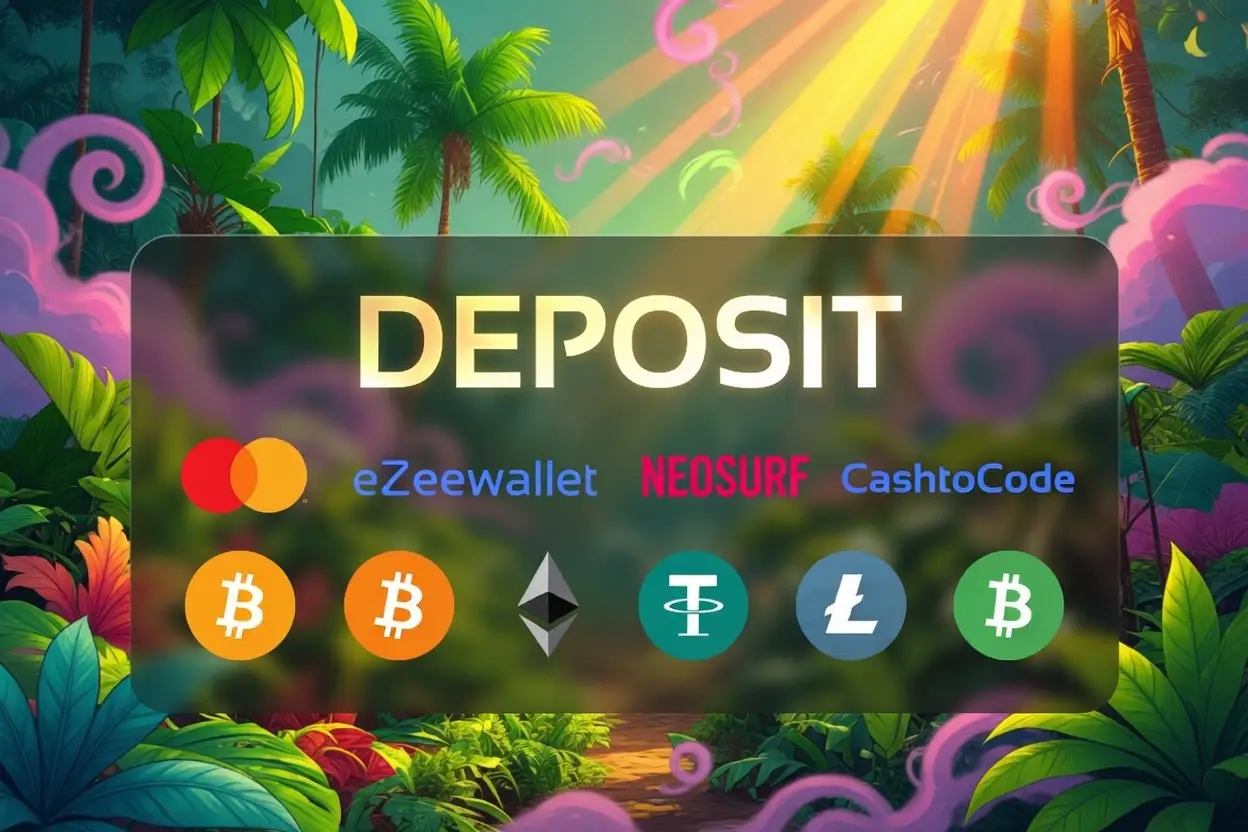
Other deposit methods available on mobile:
| Method | Min Deposit | Fee | Processing |
|---|---|---|---|
| Apple Pay | — | AU$0 | Instant |
| Google Pay | — | AU$0 | Instant |
| Neosurf Vouchers | AU$10 | AU$0 | Instant |
| CashtoCode | AU$25 | AU$0 | Instant |
| Visa Card | AU$20 | AU$0 | Instant |
| Bitcoin (BTC) | AU$25 | AU$0 | Instant |
| Ether (ETH) | AU$25 | AU$0 | Instant |
| Lightning Bitcoin | AU$5 | AU$0 | Instant |
| JetBank Transfer | AU$45 | AU$0 | Instant |
JetBank Transfer is AU-only. Neosurf is available in AU, New Zealand and Canada. All crypto deposits are free and instant.
Crypto Withdrawals on Mobile
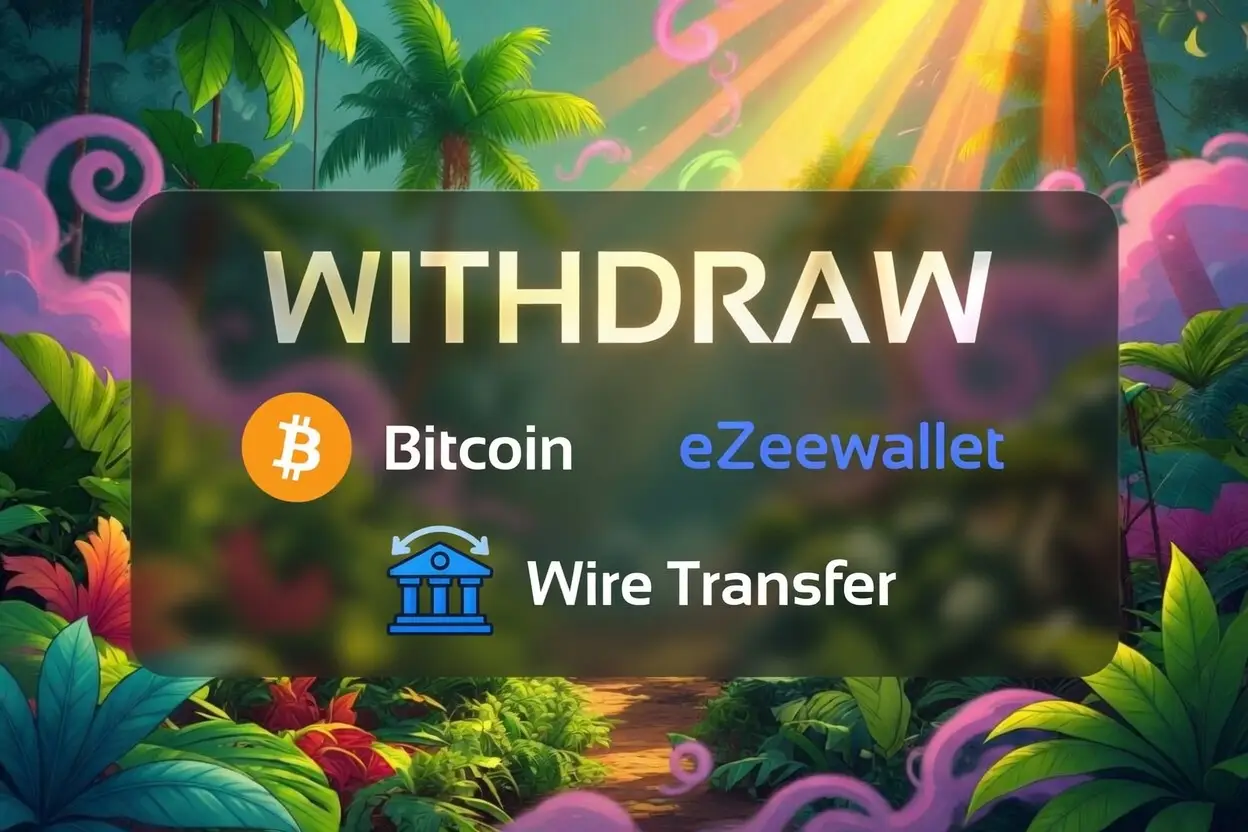
Withdrawals operate through the same two channels as desktop: Bitcoin and Wire Transfer. Navigate to Cashier on mobile, select Withdraw, and the process is identical to desktop.
Bitcoin withdrawal: minimum AU$100, maximum AU$2,500 per transaction. Weekly limit AU$5,000, monthly limit AU$20,000. Instant after the internal processing period. No fee.
Wire Transfer withdrawal: minimum AU$100, maximum AU$2,500 per transaction. AU$50 fee. Internal processing two business days, bank-side up to 15 days.
The overall weekly cash-out cap is AU$7,500 regardless of method. Amounts above this are split into consecutive weekly payments. Document verification is required before the first withdrawal — complete it via the account section on mobile to clear the path before you first cash out.
The first withdrawal — or any withdrawal after a change to payment details — is subject to a risk review of up to five business days. A minimum wager of 1x deposited funds applies before any withdrawal can be initiated.
PlayCroco Mobile Games
All 300 to 350 pokies at PlayCroco Mobile Casino are built in HTML5 and run in mobile browsers without modification. No game is desktop-only. The full catalogue — pokies, table games, video poker, specialty games — is accessible on mobile in the same state as desktop.
Popular Pokies





Demo mode is available for all titles on mobile — no account login required to browse and try games. Real-money play requires a registered and logged-in account. Table games — approximately 13 variants including European Roulette, Blackjack, Baccarat and Craps — are accessible in mobile browser. Video poker across approximately 15 variants, including progressive jackpot video poker, runs in mobile format without any layout degradation.
Progressive jackpots — Shopping Spree 2, Plentiful Treasure, Cleopatra’s Gold, Bubble Bubble, Asgard — are live on mobile with the same jackpot pool as desktop. The Lobby Jackpot ticker is visible in the lobby on mobile.
How to Set Up CASINO on iPhone and Android
The casino operates as a browser-based mobile platform — there is no native app in the App Store or Google Play. Access is via mobile browser directly.
To access on iOS:
- Open Safari (or any browser) on your iPhone or iPad.
- Navigate to the casino site.
- The site loads in mobile-optimised format automatically.
- To save to your home screen: tap the Share button in Safari → select “Add to Home Screen” → confirm. The casino appears as an icon on your home screen and opens directly in the browser.
To access on Android:
- Open Chrome (or any browser) on your Android device.
- Navigate to the casino site.
- The site loads in mobile-optimised format automatically.
- To save to home screen: tap the three-dot menu in Chrome → select “Add to Home Screen” → confirm.
This is a Progressive Web App (PWA) installation — it installs directly from the browser without going through an app store. The icon behaves like a native app but runs in the browser.
For continuous access, a free VPN is provided for Australian punters. Set it up before you need it. Contact chatCroco for VPN access details.
Sign Up on playcroco Mobile casino
Registration is available in full on mobile — no desktop session required.
- Open the casino site in your mobile browser.
- Tap the Sign Up or Register button.
- Step 1: Enter first name, last name, email address, username, password and confirmation.
- Step 2: Enter residential address, city, country, state and postcode.
- Step 3: Enter birthdate, gender, and mobile number with +61 AU prefix. Opt into notifications if preferred. Agree to terms and conditions.
- Navigate to the coupon section and enter 10FREE to claim the AU$10 no-deposit free chip.
- Go to Deposit in the mobile menu. Select Apple Pay or Google Pay — or another method. Enter your first deposit and coupon PLAYCROCO for the 200% match up to AU$5,000.
The full welcome bonus details are accessible from the mobile browser before you register.
Claim Your Welcome Bonus and Promos on Mobile
All bonuses are available via the mobile browser — there are no desktop-exclusive offers and no mobile-specific bonus restrictions confirmed in the current terms.
The welcome structure on mobile is identical to desktop: AU$10 free chip on registration with coupon 10FREE, 200% first deposit match up to AU$5,000 with coupon PLAYCROCO, and second deposit bonus of AU$50 flat with coupon PLAYCOOL. The coupon entry field is accessible in the account section of the mobile browser.
Recurring promotions — CrocoRush daily free spins, CrocoBoost Friday AU$100, CrocoWeekend AU$25, Weekly Raffle — are all claimable via mobile. Cashback claims via CrocoReload are handled through the live chat (chatCroco), which is accessible on mobile.
Support on Mobile
Three support channels operate via mobile: live chat (chatCroco), email, and scheduled phone callback (callCroco).
Live chat is accessible from the mobile browser — tap the chat icon in the site interface. It is the fastest channel for withdrawal queries, bonus claims, and account issues. To claim CrocoReload cashback, type “cashback” directly in the chat window.
Email support and callCroco (scheduled callback) are available as alternative channels. Live chat is the recommended first point of contact for time-sensitive queries.
PlayCroco Mobile Casino Honest Assessment
The PlayCroco Casino is browser-based with no native app. That means no App Store approval delays and no version discrepancies between desktop and mobile — the catalogue and features are identical across both.
Apple Pay and Google Pay are the practical advantages for AU punters on mobile: instant deposits, no fee, and no card details to manage in the cashier. Lightning Bitcoin carries the lowest deposit minimum at AU$5 for punters who prefer crypto. Withdrawals are limited to Bitcoin and Wire Transfer — no PayID withdrawal option is confirmed in the current data, which is the one visible gap for AU punters who prefer bank-based withdrawals.
The library of 300 to 350 RTG pokies runs fully in mobile browser. Progressive jackpots are live. Demo mode is unrestricted. The same loyalty programme, cashback rates and recurring promotions that apply on desktop apply on mobile without modification. Try your luck on mobile the same way you would at a desktop — nothing changes.
PlayCroco Mobile Casino Questions Answered
Does the casino have a mobile app to download?
PlayCroco Mobile Casino does not have a native app in the App Store or Google Play. Access is via mobile browser — open the casino site on your iOS or Android device and the site loads in mobile-optimised format automatically. You can add it to your home screen via the browser’s “Add to Home Screen” option, which creates an icon that functions like an app but runs in the browser.
Can I use Apple Pay to deposit on PlayCroco Casino mobile?
Yes. Apple Pay is available in the PlayCroco Mobile Casino cashier. Deposits via Apple Pay are instant and carry no fee. The payment authorises through Face ID, Touch ID or device passcode — no card details are transmitted to the casino. Apple Pay works on iPhone and iPad via Safari and other supported browsers.
What pokies are available on mobile?
The full library of 300 to 350 RTG pokies is available through the mobile browser. All titles are built in HTML5 and run on iOS and Android without modification. This includes progressive jackpots (Asgard, Bubble Bubble, Plentiful Treasure), popular titles (Cash Bandits 3, Fat Ca$h, Fortunes of Olympus), and all categories including Classics, Egyptian and Epic themes. Demo mode is available for all titles without login.
How do I withdraw from the mobile casino?
Navigate to Cashier in the mobile browser menu and select Withdraw. Two methods are available: Bitcoin (instant after processing, minimum AU$100, no fee) and Wire Transfer (2 business days internally, AU$50 fee, minimum AU$100). The weekly cash-out cap is AU$7,500 across both methods. Document verification is required before the first withdrawal — complete it via the account section on mobile in advance.
Is the welcome bonus available on PlayCroco Casino mobile?
Yes. All bonuses are available via the mobile browser without restriction. The AU$10 no-deposit free chip (coupon 10FREE), the 200% first deposit match up to AU$5,000 (coupon PLAYCROCO), and all recurring promotions are claimable through the mobile browser. There are no desktop-exclusive offers in the current terms.
How do I contact support on mobile?
Live chat (chatCroco) is accessible from the mobile browser via the chat icon in the site interface. It is the fastest channel for account, bonus and withdrawal queries. To claim CrocoReload cashback, type “cashback” in the live chat. Email support and scheduled phone callback (callCroco) are also available as secondary channels.
Does Google Pay work for deposits on mobile?
Yes. Google Pay is available in the PlayCroco Mobile Casino cashier on Android devices. Deposits via Google Pay are instant and carry no fee. Confirm the payment with fingerprint or PIN through your device’s Google Pay setup. The deposit appears in your account balance immediately after authorisation.